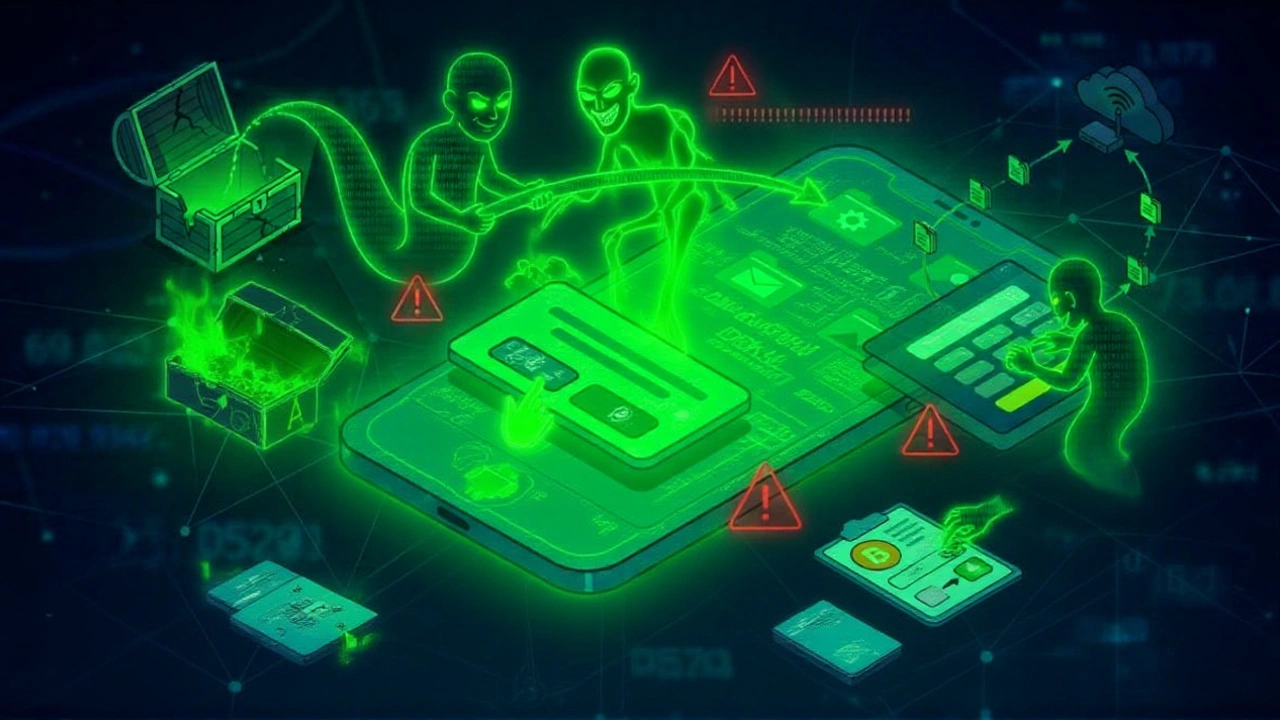
It’s June 2026, and your smartphone might be watching you. Zimperium, a leading mobile security firm, has uncovered a nasty new threat called Rokarolla. This isn’t just another annoying adware pop-up. It’s a sophisticated Android banking trojan designed to steal your money, hijack your crypto wallets, and give hackers near-total control over your device. The twist? It doesn’t come from the Google Play Store. It comes disguised as apps you already trust.
The discovery was announced on June 17, 2026, sending ripples through the cybersecurity community. According to reports from Elizabeth Montalbano at Dark Reading and outlets like Help Net Security, Rokarolla is named after its command-and-control (C2) infrastructure. But don’t let the name fool you—this malware is business. It targets financial users specifically, aiming for the jugular of digital finance.
The Scale of the Threat
Here’s the thing that should keep you up at night: scope. Zimperium’s research arm, zLabs, found that Rokarolla targets 217 distinct banking and cryptocurrency applications. That’s not a typo. More than two hundred apps. If you use a major bank or a popular crypto exchange, there’s a good chance it’s on their hit list.
Once inside, the malware can execute 137 distinct commands. Think of it as a remote admin toolkit for criminals. They aren’t just looking for your password; they want the keys to the kingdom. As Malwarebytes noted in their analysis, this breadth of capability turns your phone into a surveillance drone. You’re not just losing access to your account; you’re losing privacy entirely.
How It Sneaks In: The Sideloading Trap
You probably think you’re safe because you stick to the official app store. Turns out, that’s exactly where the attackers know you won’t look. Rokarolla is distributed through malicious websites that impersonate popular platforms like TikTok and Google Chrome.
Escudo Digital reported that these phishing sites mimic legitimate download portals. They persuade users to download “updates” or specific versions of tools they already use. Instead of redirecting you to the Google Play Store, they offer a direct APK file. This practice, known as sideloading, bypasses all of Google’s security checks. One domain identified by Zimperium combined the words "infocontablidades" and "it.com" to masquerade as a trusted source. It’s subtle, but effective.
The initial installer poses as Google Play Protect, Android’s built-in security service. Oddly enough, convincing users to install a “security update” that actually disables security is a classic social engineering play. Once installed, this dropper downloads the second payload, slipping past OS defenses by requesting powerful permissions under the guise of system protection.
Abusing Accessibility Services
This is where it gets technical, but crucial. Rokarolla abuses Android’s Accessibility Services. These services are meant to help users with disabilities navigate their phones. When granted, the trojan can autonomously interact with the interface, read screen content, and grant itself more permissions without you clicking anything else.
Infosecurity Magazine explains that Rokarolla uses this access "to read the screen and drive the interface." It creates fake screens—dynamic HTML overlays—that sit on top of your real banking app. When you open Chase, Revolut, or Coinbase, you see a perfect replica. You type your password. You enter your PIN. But you’re typing it into a void controlled by the attacker. Even your lock-screen pattern gets captured, bypassing local access protections entirely.
The Crypto Heist: Clipboard Manipulation
If you deal in cryptocurrency, listen closely. Rokarolla has a feature specifically designed to drain wallets. It monitors your clipboard. When you copy a wallet address to send funds, the malware detects the action. Before you paste it, it invisibly replaces the address with one controlled by the cybercriminals.
Help Net Security highlights that this happens transparently. You click send. You confirm. The money goes to the hacker. By the time you realize the transaction failed or went to the wrong place, the funds are gone. This isn’t just credential theft; it’s active fraud execution.
Silencing the Alarm
A smart criminal knows that victims fight back. So, Rokarolla silences the alarm. It can block incoming calls and intercept SMS messages. Why does this matter? Because banks send one-time passwords (OTPs) via text. If you try to log in from a different device or reset your password, the code goes to your phone. Rokarolla reads it and sends it to the attacker. Meanwhile, any call from your bank trying to warn you about suspicious activity? Blocked.
Malwarebytes adds that the malware can silence the device, turn off Google Play Protect, and prevent the screen from sleeping. It hides its icon. It’s ghosting you while it ghosts your bank balance.
What Experts Are Saying
The consensus among security firms is clear: this is an evolution. BankInfoSecurity characterizes Rokarolla as giving threat actors "near-total control." It combines traditional banking fraud with espionage. Elizabeth Montalbano at Dark Reading described it as leveling up to full attacker device control.
Malwarebytes researchers offered concrete advice. Don’t trust apps claiming to be Google Play Protect. System components never need manual installation. Be wary of Accessibility requests. If an app that isn’t clearly an accessibility tool asks for this permission, deny it. And use up-to-date anti-malware protection with web filtering to catch those malicious sideloading sites before they catch you.
Frequently Asked Questions
Is Rokarolla available on the Google Play Store?
No. Rokarolla is distributed exclusively through malicious websites that impersonate popular apps like TikTok or Chrome. It relies on users sideloading the APK file directly, bypassing Google Play’s security screening. Never download apps from unofficial sources.
Which apps are targeted by Rokarolla?
Zimperium identified 217 distinct banking and cryptocurrency applications as targets. This includes major global banks and popular crypto exchanges. If you use a financial app, assume it could be on the target list if your device is compromised.
How does Rokarolla steal cryptocurrency?
It uses clipboard manipulation. When you copy a wallet address to send crypto, the malware replaces it with the attacker's address before you paste it. The transaction appears normal to you, but the funds go to the hacker.
Can I remove Rokarolla if my phone is infected?
Removal is difficult because the malware hides its icon and disables security features. Experts recommend performing a factory reset after backing up essential data (excluding apps). Install reputable anti-malware software immediately upon resetting.
Why does Rokarolla request Accessibility permissions?
Accessibility permissions allow the malware to read your screen and interact with buttons automatically. This enables it to create fake login overlays, capture keystrokes, and grant itself further privileges without your knowledge.